
For Jaz
@techbyjaz
A full video, made for you. Ready to film.
Title
The New Google AI Studio Tool Every Tech Reviewer Needs to Know
Thumbnail
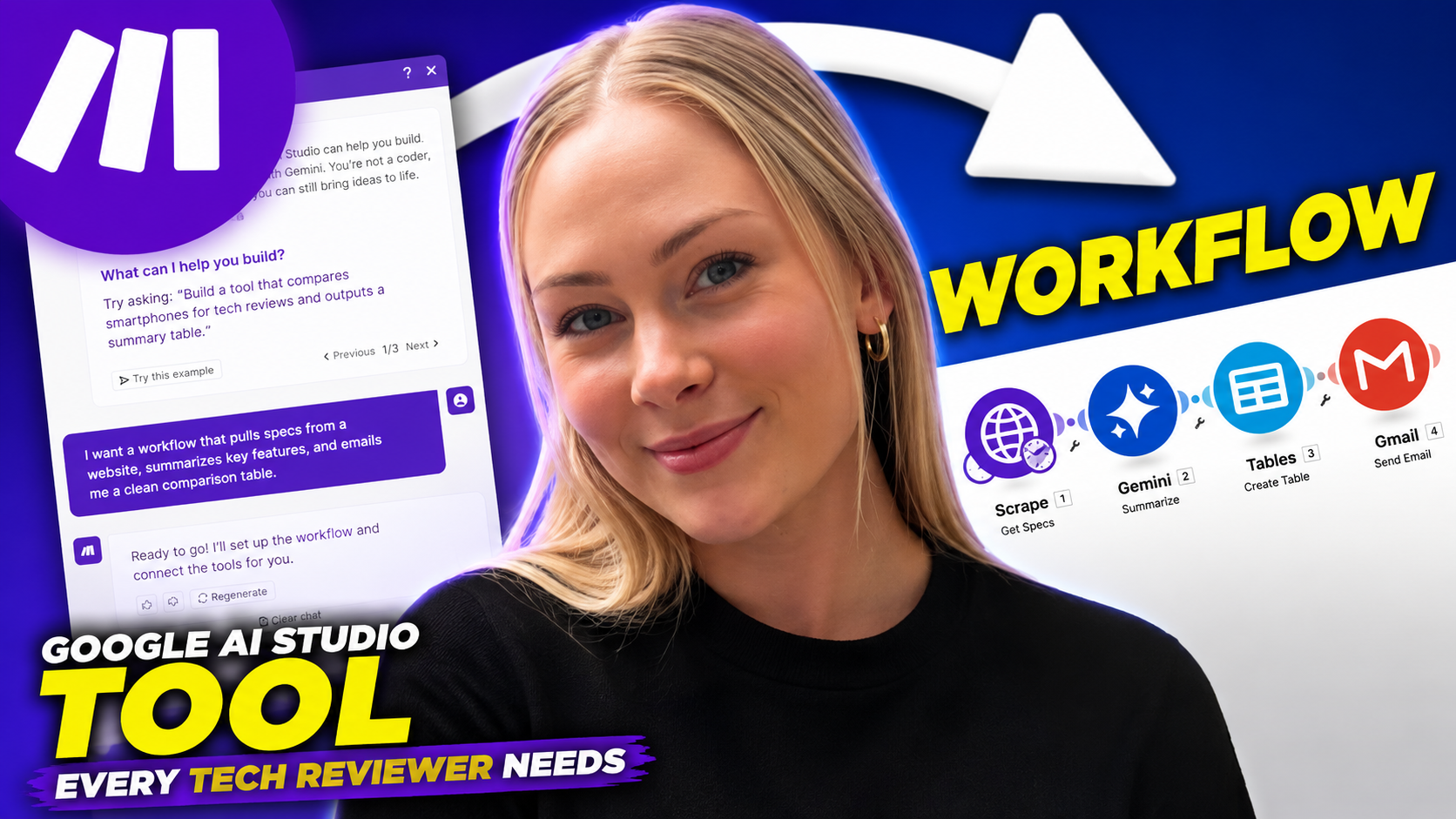
Hook
A recent update to Google's AI Studio is changing how tech professionals approach complex tasks. This tool could streamline your review process and enhance tutorial accuracy.
Script prompt
Paste this into Claude or ChatGPT to write the full script
ROLE: You are an expert YouTube scriptwriter specializing in the Tech Reviews and Tutorials niche. You create engaging, informative, and actionable content that balances technical depth with accessibility for creators and enthusiasts. VIEWER: The audience is mid-level to advanced tech reviewers, tutorial creators, and content strategists who struggle with time-consuming research, inconsistent AI-generated content accuracy, and repetitive task automation. They want tools to work smarter, not harder, while maintaining credibility and depth in their content. HOOK: Open with: "A recent update to Google's AI Studio is changing how tech professionals approach complex tasks. This tool could streamline your review process and enhance tutorial accuracy." This hook works because it immediately ties a specific product (Google AI Studio) to relatable benefits (streamlining reviews, accuracy) while hinting at exclusivity ("recent update"). OUTLINE: 1. **INTRO & CONTEXT (0:30)** - Explain Google AI Studio’s new features (e.g., multimodal data processing, real-time code validation) and why they matter for tech creators. Mention the "AI-Powered Product Demo Simulator" as a concrete example. 2. **PROBLEM DEMO (1:30)** - Show a before/after scenario: a reviewer spending 4 hours researching a GPU’s API compatibility vs. using Google AI Studio’s automated spec cross-referencing to cut this to 20 minutes. 3. **KEY FEATURE #1: AUTOMATED RESEARCH (2:00)** - Deep dive into the "Smart Query Synthesis" tool. Example: Generating 10 targeted questions about a new smartphone’s battery efficiency in 10 seconds, with cited sources. 4. **KEY FEATURE #2: INTERACTIVE TUTORIALS (2:30)** - Highlight the "Live Code Debugging Assistant." Example: Embedding a Python script for a Raspberry Pi project and using the tool to identify and fix syntax errors in real time. 5. **KEY FEATURE #3: DATA VISUALIZATION (1:45)** - Demo the "Dynamic Chart Generator." Example: Turning a 500-word explanation of 5G latency into an interactive comparison graph with one click. 6. **PITFALLS & WORKAROUNDS (1:30)** - Address over-reliance risks. Example: How the tool misclassified a gaming mouse’s polling rate unless explicitly prompted with technical jargon. 7. **TIME-SAVING STATS (1:00)** - Share a case study: A YouTuber reduced their "AI Ethics in Reviews" series production time by 35% using the tool’s batch content outline generator. RETENTION: Use open loops (e.g., "Stay with me, this next part will save you hours"). Insert re-hooks every 50 seconds (e.g., "Before we dive into the code debugging feature, let me show you how this tool just cut my research time in half"). Add pattern interrupts like sudden pauses after key stats ("...35%... Seriously, let that sink in") and callbacks to the intro problem ("Remember that 4-hour research task? Here’s how we fix it"). VOICE: Keep sentences under 15 words. Use contractions ("you’ll", "it’s"). Avoid buzzwords. Speak like a peer: "I’ve been there, scrolling through 100 forum posts to verify a spec. This tool? It’s a game-changer." CTA: End with: "If you want to stay ahead of the curve, hit that subscribe button and smash the bell. And if you’re already using Google AI Studio, drop your favorite feature in the comments. Don’t forget to check out my previous video on AI-powered scriptwriting tools, we’re on a roll here." LENGTH: Target 10 minutes. Ensure each outline section aligns with timing estimates. FORMAT: Write as spoken word with light stage directions in parentheses, e.g., (pause for effect) or (on-screen: before/after timeline). No markdown headers in the final script. Now write the complete script.
CTA
Check the description for links to my detailed tech guides if you want to master tools like these.
Description
Google AI Studio's latest capabilities are reshaping technical workflows. This video breaks down long context processing, Gemini model variations, and practical applications for content creators. See how spatial understanding features could improve your tech demonstrations. Perfect for reviewers looking to stay ahead of platform advancements.
New bio line
Jaz helps tech reviewers and tutorial creators master emerging tools through precise, actionable insights.
3 more videos after this
If you want more of these
This one's yours either way, post it and keep whatever it brings you. If you want a system that hands you a video like this every single week without you writing anything, that's literally what I do. Email me and I'll walk you through how it'd work for your channel.
Put together by David · Export Media